PocketPresenter Logo

Why haven’t you recorded that video yet?

If you have ever recorded a video, you know there is a lot to think about. It is harder than it seems to get everything right:

  • Ugly background
  • Bad lighting
  • A good mic that still sounds bad in the mix
  • Editing everything manually
  • A mic that disconnects and ruins the take
  • So many settings to get right before clicking record

Studio light.
No studio required.

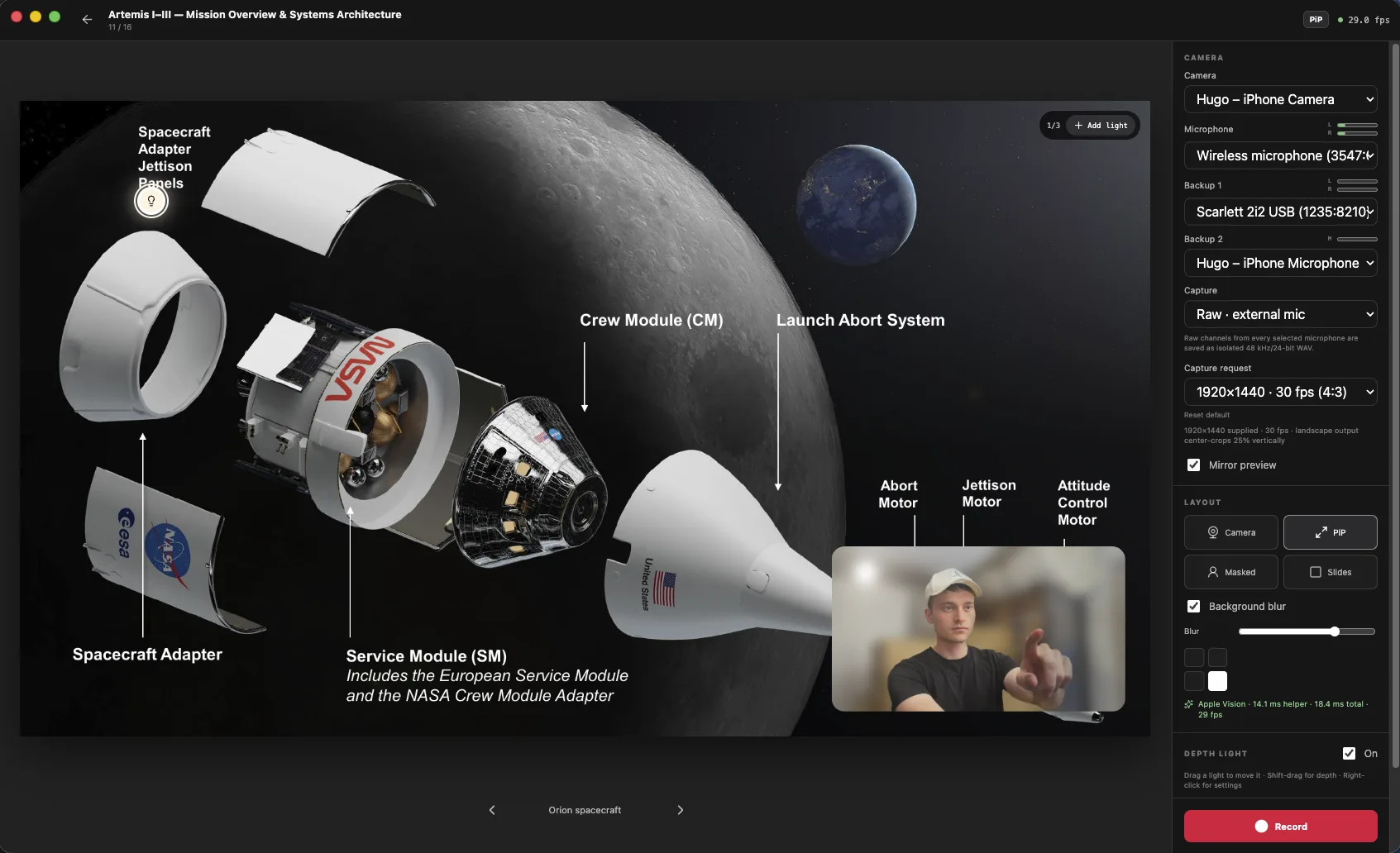
Set up lighting that interacts with your footage, during recording or afterward. This helps make any room good enough for recording.

  • Up to 3 lights
  • Set light color
  • Set light intensity

4 Different
Presentation modes

Move from face-to-face to picture-in-picture, step inside your slides, or give the content the whole screen—all in the same presentation.

Huge background blur.
No system camera required.

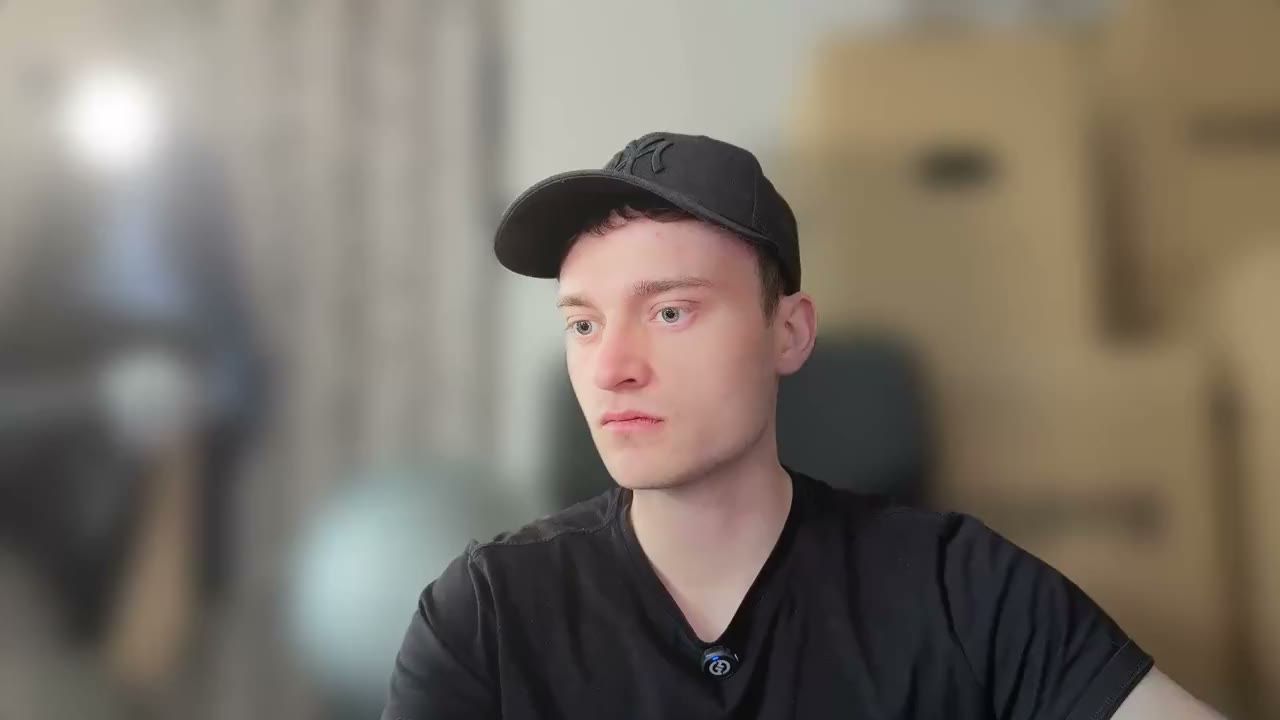
This was recorded with an iPhone 16 Pro. PocketPresenter separates you from the room and creates a strong background blur, without requiring a dedicated camera or a special lens.

You could build this in an editor.

But then you need to understand masking and compositing, tune the effect by hand and repeat the workflow for every recording. In node-based tools such as DaVinci Resolve, that can mean a tedious node graph. Other editors may also require an expensive subscription.

  • iPhone 16 Pro
  • No dedicated camera
  • No node graph
Blur on Original

Your iPhone.
Wirelessly connected.

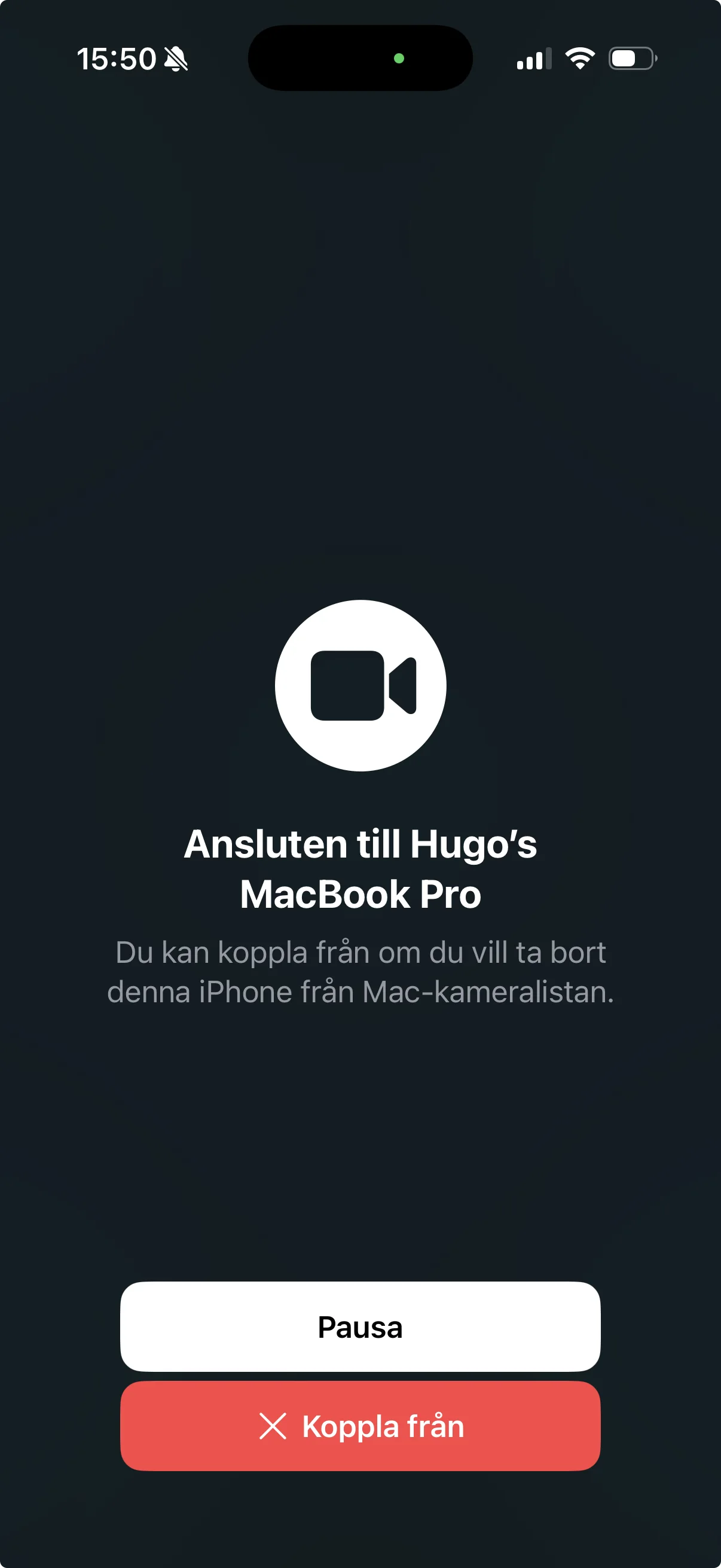
On a compatible Mac, choose your iPhone from the camera menu and record with its rear cameras. No cable required.

Other cameras feel right at home, too.

Compatible phones, webcams and dedicated cameras get the same live preview, layouts and recording tools, but you’ll probably need to connect them with a USB cable.

Wireless iPhone capture uses Apple Continuity Camera.

PocketPresenter with an iPhone selected as the wireless camera source
iPhone Camera
An iPhone sending its camera image wirelessly to PocketPresenter on a Mac.

Files-first architecture.
Your recordings stay unprocessed.

Every camera and microphone source is stored separately and unprocessed. PocketPresenter only combines them when you review or export, leaving the original recordings untouched.

Recording folder
01

Change or repair it later

PocketPresenter applies the microphone choice, mix, mask and layout in Review instead of burning those decisions into the recordings. If a setting was wrong, change it after the take. You do not need to get everything right before you press Record.
02

Use the files anywhere

The source recordings are ordinary video and WAV files. Open them in Premiere Pro, DaVinci Resolve, Final Cut Pro or any other editor. Your work is never trapped inside PocketPresenter.

Reaction videos.

Without sketchy screen recording.

Paste a YouTube URL. PocketPresenter imports the video as a slide, ready to play while you record your reaction. No capturing a browser window or lining up separate recordings.

Optional automatic attribution

Keep the connection
to the original.

Give viewers a clear path back to the creator. Turn on attribution to show the creator’s name, video title and a QR code linking to the source video automatically on first play.

You choose whether to show it, for each YouTube slide.

A clear connection back to the creatorThe original YouTube video becomes part of your reaction. Optional attribution adds a QR code that takes viewers back to the original video.Paste URLAdd creditScan to sourceOriginal videoYour reactionThe creator’s workYour perspectiveQR code to the original

Soundboard.

Play it live.

A punchline. A surprise. A perfectly timed sound. Trigger your own effects with a keypress while you present, and let your reactions become part of the performance.

  • AVine Boom
  • SApple Pay
  • DRizz
One keypress. The sound plays. You react.

Keep the spontaneous timing. Skip searching through your recording to add every effect afterward. The sound and your reaction already belong together.

Your soundboard. Under your fingers.

Assign your own sounds to the nine keys from A to L.
Play them without taking your eyes off the presentation.

Looking for sound effects? Explore Myinstants (opens in a new tab)

Podcast Voice.
A voice that carries.

Quiet words brought forward. Loud moments kept in check. Your voice and slide audio, automatically balanced.

A backup for your voice, too. Record multiple microphones as separate tracks. Too close, too far away, or one mic disconnects? Choose another recorded source when you review.

Everything local.

No service. No subscription.

PocketPresenter records, automatically balances your audio and processes your video on your computer. Your footage stays on your drive until you choose to share it.

You’ll want a capable computer.

All AI effects run on your computer. A faster GPU makes a difference, especially when rendering longer videos.

Computer recommendations

8 GB of graphics memory recommendedFor a dedicated graphics card, that means 8 GB of VRAM. Apple silicon uses shared memory, so you also need room for macOS and the rest of the app.

Developed on an M5 Mac with 24 GB of memoryLonger videos still feel a bit slow to render on this machine. An M4 Pro, M4 Max, M5 Pro, M5 Max or M5 Ultra may be a better choice for longer videos.

Go on and make the video,
don’t procrastinate.

Coming soon